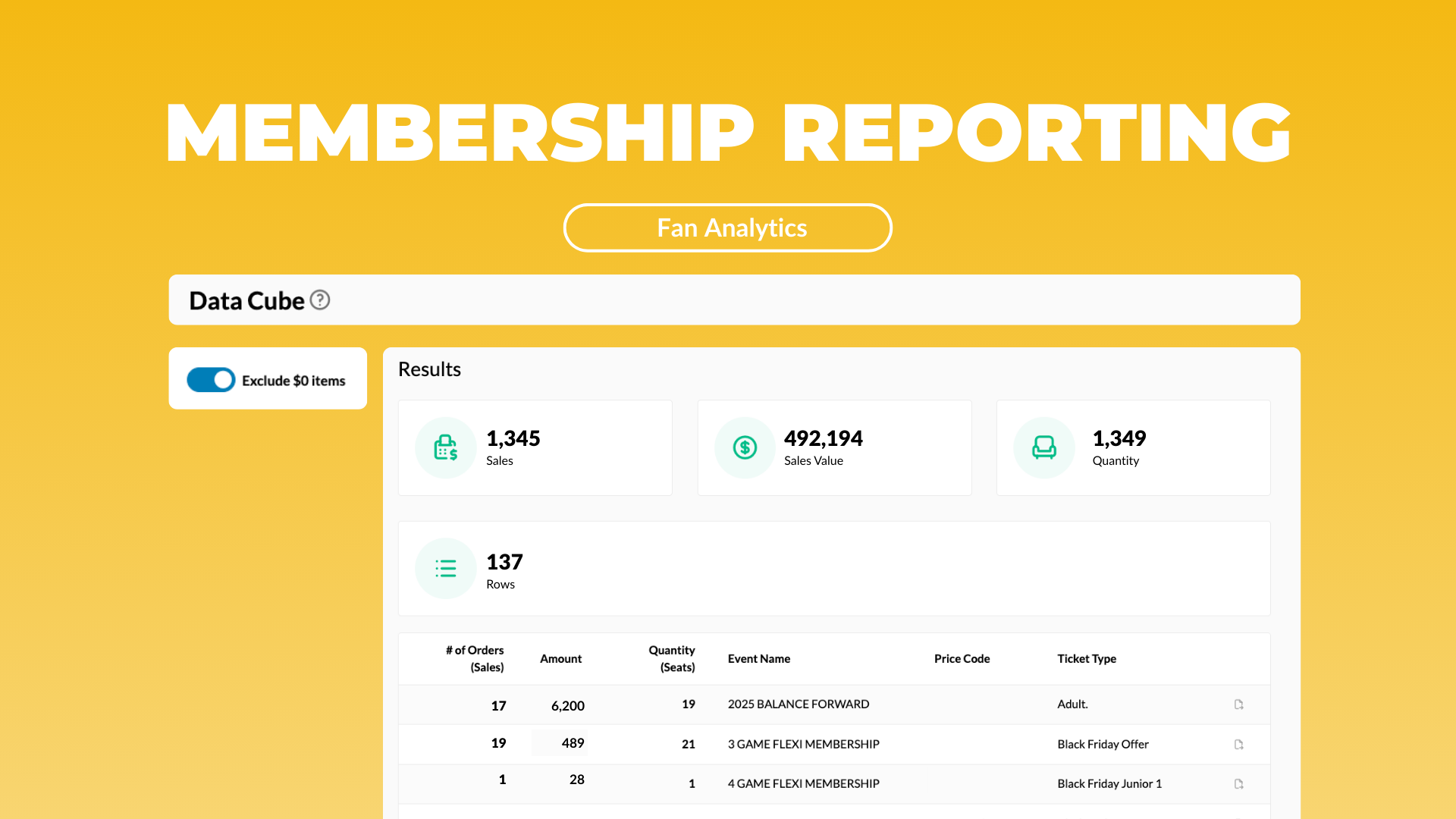
Membership ticket reporting is now clearer
If your business relies on memberships or season ticket packages, you’ve probably run into this problem:
Your ticketing data mixes together the actual membership purchase with the individual game entitlements tied to that membership. In the raw data they look almost identical, which makes it harder than it needs to be to answer simple questions like:
- How many memberships did we sell?
- What’s our revenue from memberships/season tickets versus single-game-buyers?
We cleaned up our data structure to make it easier to understand what matters.
What changed:
Membership purchases now appear as the top-level paid item (i.e. the “money record”). The individual entitlements (i.e. the single games or benefits included in the package) now appear as $0 child items. This keeps them visible for operational workflows, but removes them from membership revenue calculations.
What this means for you:
With this structure, you can:
- Filter out $0 items in Data Cube to get a clean review of actual revenue drivers
- Compare different membership products with less noise
- Build accurate “members vs casual buyers” segments in the FanCRM
- Track year-over-year membership growth with more confidence
A quick example:
Let's say you want to understand your performance across:
- 3-game packages
- 11-game packages
- Full-season tickets
With this update, those different package sales appear cleanly as paid items, and the entitlement games no longer show up as phantom revenue or duplicate line items. Reporting becomes a lot cleaner and faster to put together.