Canvas
The fastest way to build the simple stuff - landing pages and forms. Drag, drop, publish. What you build is what your fans see.
"I can't see what I'm building without running through it a thousand times."
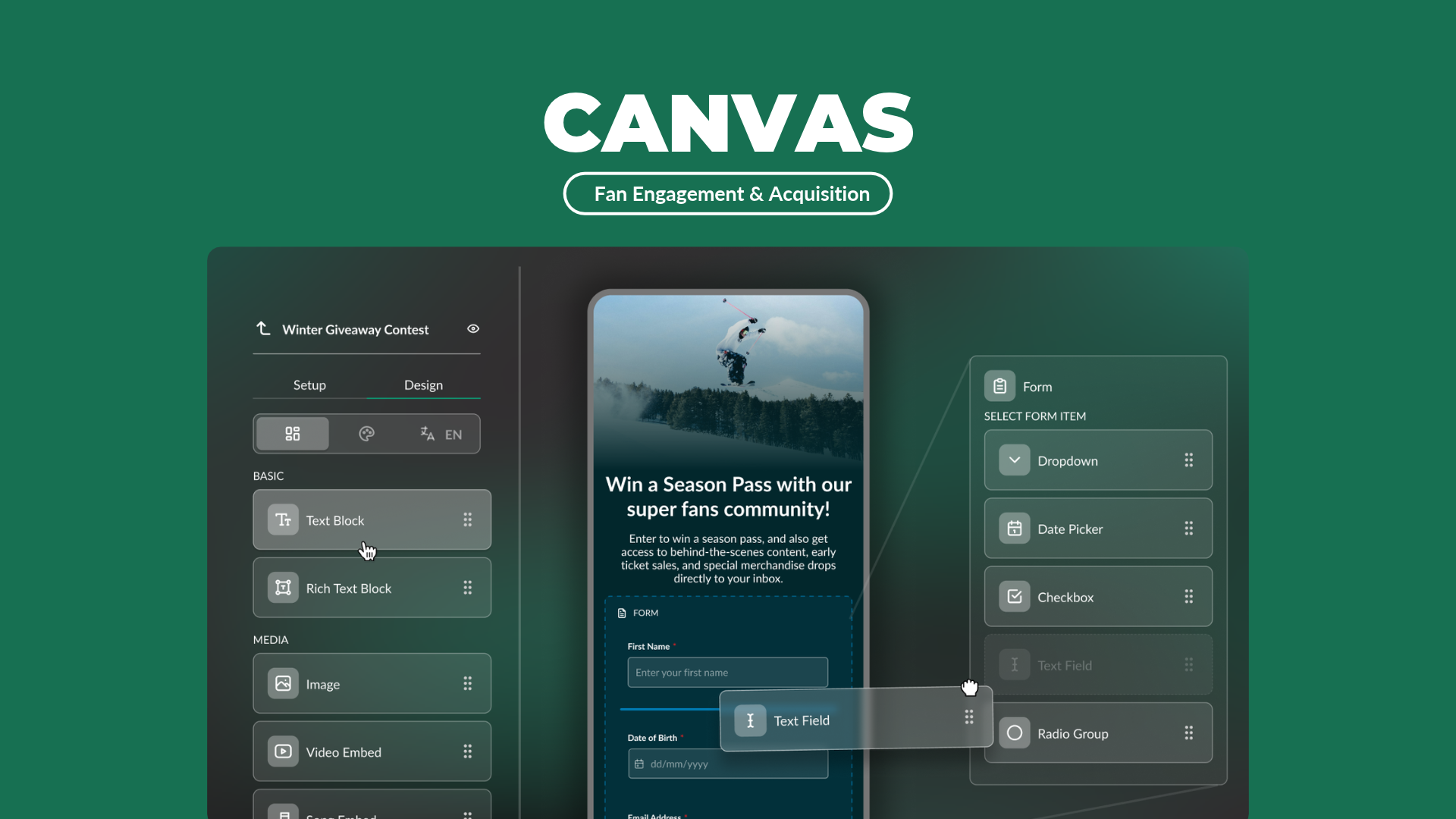
You've told us this. So we've introduced Canvas: a more visual way to build high-volume campaigns like sweepstakes, RSVPs, pre-signups, and more.
Building a simple signup page shouldn't mean scrolling past 40 campaign types, wrestling CSS to move things around, and clicking through the whole thing just to check it looks right. Sometimes you don't need the kitchen sink. You need a clean, good-looking form that fans can fill out- fast.
That's Canvas.
Drop in text, an image, a video, a form. Stack them vertically in the order you want. Style as you go. And here's the biggest improvement with Canvas:
What you build is exactly what your fans see. No preview guessing. No building blind. The screen in front of you is the same page they'll get.
Reach for Canvas
When you're building a page that fans read then submit - a form, a signup, a content drop.
Reach for Entry Form/ a traditional TBits Campaign
When you need fans to play (trivia, brackets, memory matches), or when you need custom code
Both capture the lead. The only question is, does it need to do something extra or just look slick and collect?
A few ways to use Canvas:
- Artist Landing Page - the artist's video up top, a clean signup, links out to the playlist and merch
- "Join the list" page - fields, buttons, live in minutes
- Sweepstakes - explain the prize with an image or video,in addition to the form.
Where to find Canvas:
You'll find Canvas in the New Campaign menu. Pick it like any other campaign and build a well-designed landing page or form in minutes. And every fan you capture lands in the same profiles and reporting you're already using within Tradable Bits.
Learn how to build your first Canvas